AI in Everyday Life
AI in Everyday Life Course for Kids
A creative 15-day AI bootcamp for young makers in Class 3–8
- Grades
- Class 3–8
- Duration
- 15 live sessions
- Projects
- Daily creative builds
- Rating
- 4.8 (210+)
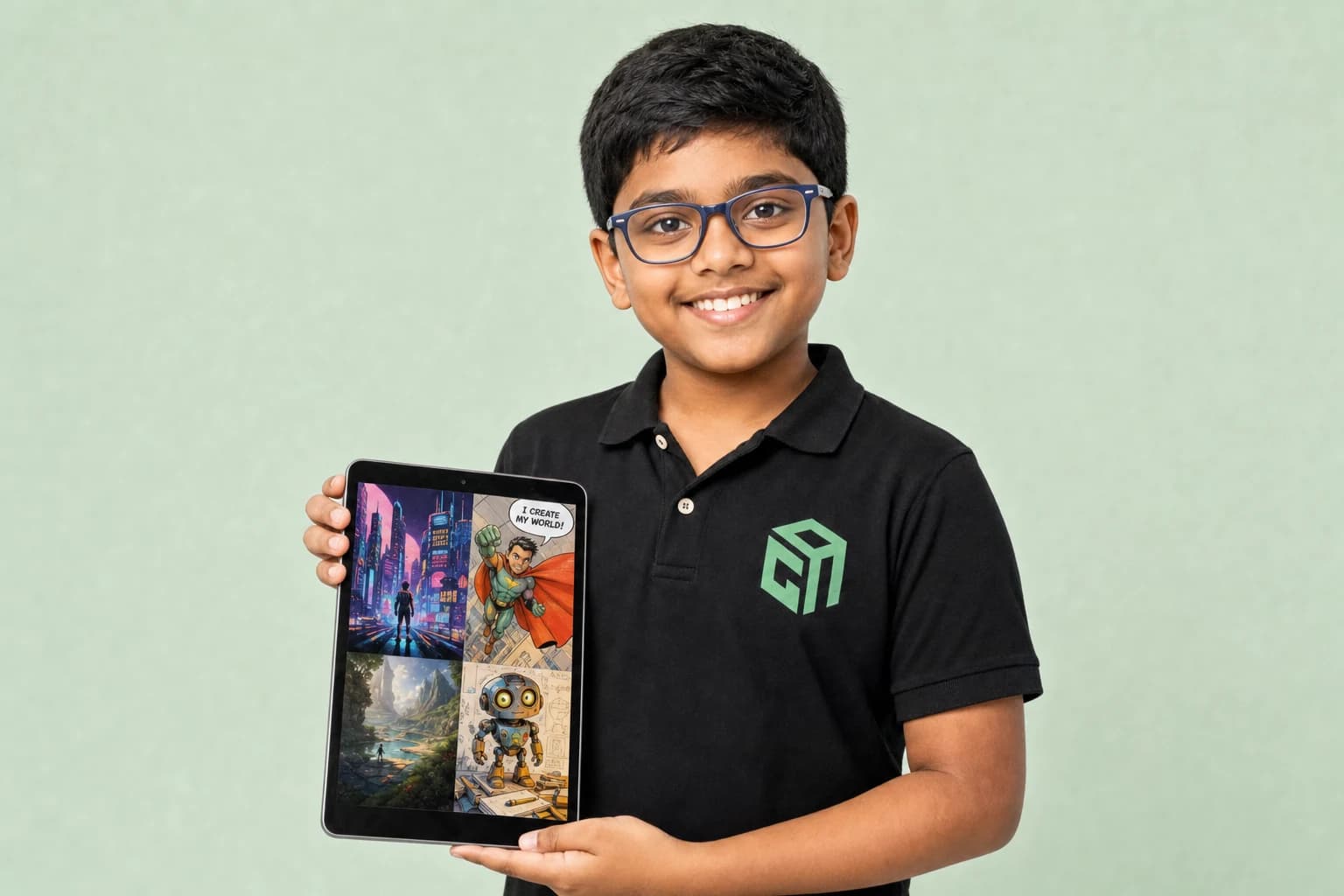
8+ Creations
- Safe, creative & responsible AI use
- Art, stories, posters, videos & mini games
- Simple AI websites & agents with mentor help
- 15 live sessions of creative AI classes
What AI in Everyday Life covers
GeekashramJr's AI in Everyday Life course is a 15-session creative bootcamp for Class 3–8 students. Across four modules — AI basics & prompting, create with AI, build with AI, and a final AI Fun Fair — children learn safe, responsible AI use while making art, stories, posters, videos, mini games, simple websites, and AI agents, all with live mentor guidance (not passive videos).
By the end, your child will have
- Produced AI art, posters, comics, and short story or video projects
- Built a simple AI-powered mini game or interactive web page
- Presented polished work at a final AI Fun Fair showcase for family and mentors
- Live creative sessions
- 15Live creative sessions
- AI art & build projects
- 8+AI art & build projects
- Age-appropriate AI use
- SafeAge-appropriate AI use
- Final AI fun fair
- ShowcaseFinal AI fun fair
This course is for your child if they are…
A Young Creator
Loves art, stories, comics, or videos and wants to make with AI.
A Curious Beginner
New to coding but excited to explore technology creatively.
A Parent-Guided Learner
Needs a safe, mentor-led introduction to everyday AI tools.
A Showcase Star
Wants to present creative AI projects to family and friends.
AI in Everyday Life syllabus at a glance
Typical full-course pace: 15 live sessions. Modules run in order, and mentors adjust depth to the student.
| # | Module | Duration | Topics covered | Projects |
|---|---|---|---|---|
| 1 | AI Basics | 4 sessions | What AI can and cannot do; Writing better prompts; Safe and responsible AI habits | Prompt journal; Safe AI checklist |
| 2 | Create with AI | 4 sessions | AI art, posters, and comics; Stories, scripts, and presentations; Short videos and visual projects | AI poster series; Short AI story |
| 3 | Build with AI | 4 sessions | Mini games and interactive pages; Simple AI websites; Intro to AI agents and workflows | Mini AI game; Simple AI webpage |
| 4 | AI Fun Fair | 3 sessions | Polish and present projects; Peer feedback and mentor review; Celebrate the final showcase | AI Fun Fair showcase |
Projects students actually build
A sample of the work that comes out of AI in Everyday Life — every one built live with a mentor, not followed along from a video.
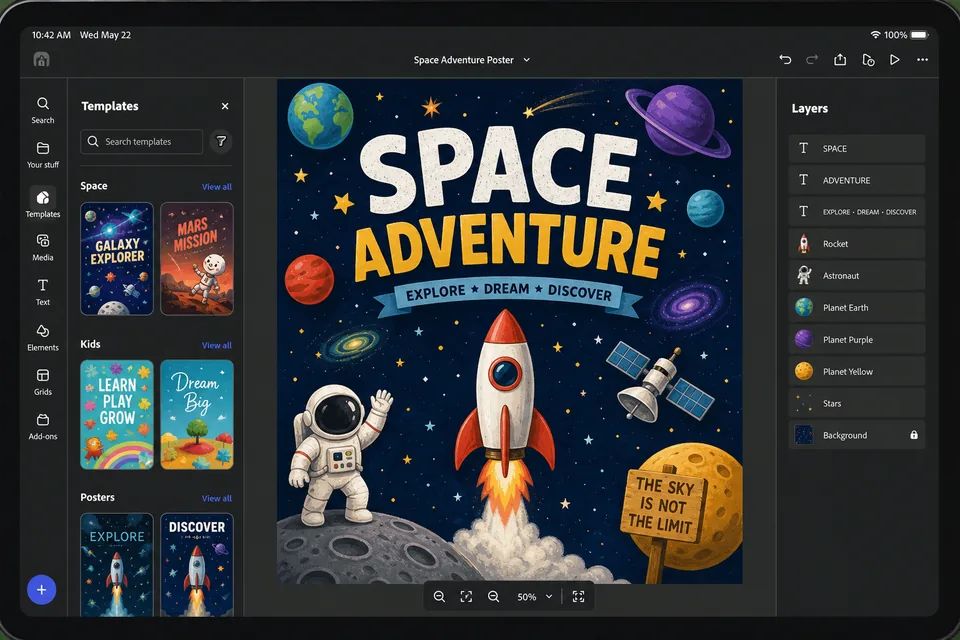
AI art & poster series
Students use prompts to generate themed poster sets or comic panels, learning safe AI habits and creative refinement with mentor feedback.
- Prompting
- Creative AI
- Design
AI story & video project
A short scripted story or explainer video combining AI-assisted writing, visuals, and presentation skills.
- Storytelling
- Video
- Presentation
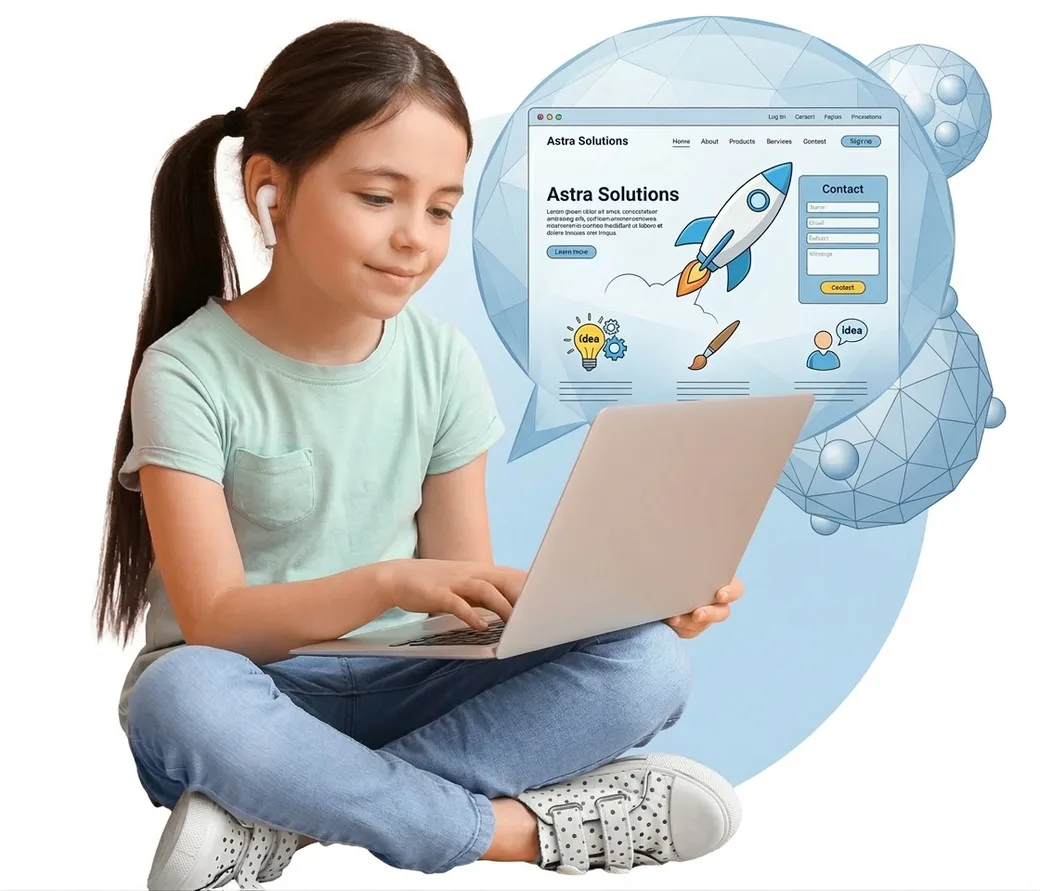
Mini AI website or game
A simple interactive page or game built with mentor-guided AI tools — culminating in the Fun Fair showcase.
- AI agents
- Mini games
- Showcase
Skills covered
- Prompting
- AI safety & privacy
- AI art & video
- Mini games & websites
- Simple AI agents
- Smart city project
Prerequisites & who can join
Designed for Class 3–8 beginners. A laptop, webcam, and stable internet are required for live creative sessions.
- Grade range
- Class 3–8
- Estimated duration
- 15 live sessions
- Class format
- Live online with GeekashramJr mentors
AI in Everyday Life — questions parents ask
Straight answers on syllabus depth, projects, pace and pricing for live AI in Everyday Life classes.
GeekashramJr's AI in Everyday Life course is a 15-session creative bootcamp for Class 3–8 students. Across four modules — AI basics & prompting, create with AI, build with AI, and a final AI Fun Fair — children learn safe, responsible AI use while making art, stories, posters, videos, mini games, simple websites, and AI agents, all with live mentor guidance (not passive videos).
AI in Everyday Life is taught live module by module (15 live sessions). Parents can review the full syllabus table on this page — topics, projects, and typical session time per module — plus download the curriculum brochure.
Students complete mentor-guided projects throughout the course. By the end they typically have: Produced AI art, posters, comics, and short story or video projects; Built a simple AI-powered mini game or interactive web page; Presented polished work at a final AI Fun Fair showcase for family and mentors. Sample project screenshots and walkthroughs are shown above.
AI in Everyday Life is for students in Class 3–8 (Class 3 to 12 at GeekashramJr). Designed for Class 3–8 beginners. A laptop, webcam, and stable internet are required for live creative sessions.
GeekashramJr Explorers starts at ₹499 per session (5 students), Champions is ₹799 per session (3 students), and Super Mentors 1:1 is ₹999 per session. Try a session to see the teaching style before choosing a plan. The trial fee is adjusted on enrolment.
Classes are live online with GeekashramJr mentors — not passive video courses. Students get real-time feedback, debugging help, and project reviews in every session.
A creative 15-day AI bootcamp where students learn safe AI use — making art, stories, posters, videos, mini games, simple websites, and presenting work at a final AI showcase.
Yes. It is designed for Class 3–8 beginners who want a playful, mentor-led introduction to everyday AI tools without heavy coding prerequisites.
Yes. Mentors teach responsible prompting, what AI can and cannot do, and safe digital habits — with live supervision instead of unsupervised chat tools.
The final module is a showcase where students polish and present their best AI creations to family and mentors — building confidence and communication skills.
Related reading
Parent guides and STEM articles that pair well with AI in Everyday Life.
- Coding for Kids12 Minutes
Coding for Kids: The Complete Parent's Guide (Ages 6–18)
Not sure when your child should start coding, or whether to pick Scratch, Python, or something else? This friendly parent's guide covers ages 6–18, courses, screen time, and simple next steps—without the jargon.
Read - Coding for Kids9 Minutes
Coding is the New English: The Skill Every Child Needs in 2026
In 2026, coding is becoming as essential as English for kids — not to make every child a software engineer, but to help them think clearly, create with technology, and stay confident in an AI-first world. A parent guide from GeekashramJr mentor Shivam Jha.
Read - AI for Kids7 Minutes
AI Literacy for Kids: What It Is and Why Schools Are Teaching It | 2026
AI literacy means kids can understand what AI is, where it is used, how to prompt safely, and when not to trust it. Schools are adding it because AI now shapes homework, creativity, and future careers.
Read - AI for Kids6 Minutes
Chatbots for Kids: How to Explain LLMs and AI to an 8-Year-Old | 2026
An LLM is like a super-fast pattern reader that predicts the next words — not a magic brain. Here’s a simple way to explain chatbots and AI to an 8-year-old, plus safe habits parents can teach at home.
Read - Coding for Kids7 Minutes
Is Coding Good for an 8-Year-Old? Best Age to Start Coding | 2026
Yes — coding is good for most 8-year-olds when lessons are visual, short, and project-based. This 2026 parent guide covers the best age to start, Scratch vs Python, screen-time worries, and how to choose the first coding class.
Read
Not sure which track fits your child?
Book a 45-minute trial session. A mentor works with your child, sees how they think, and recommends the track. The trial fee is adjusted if you continue.