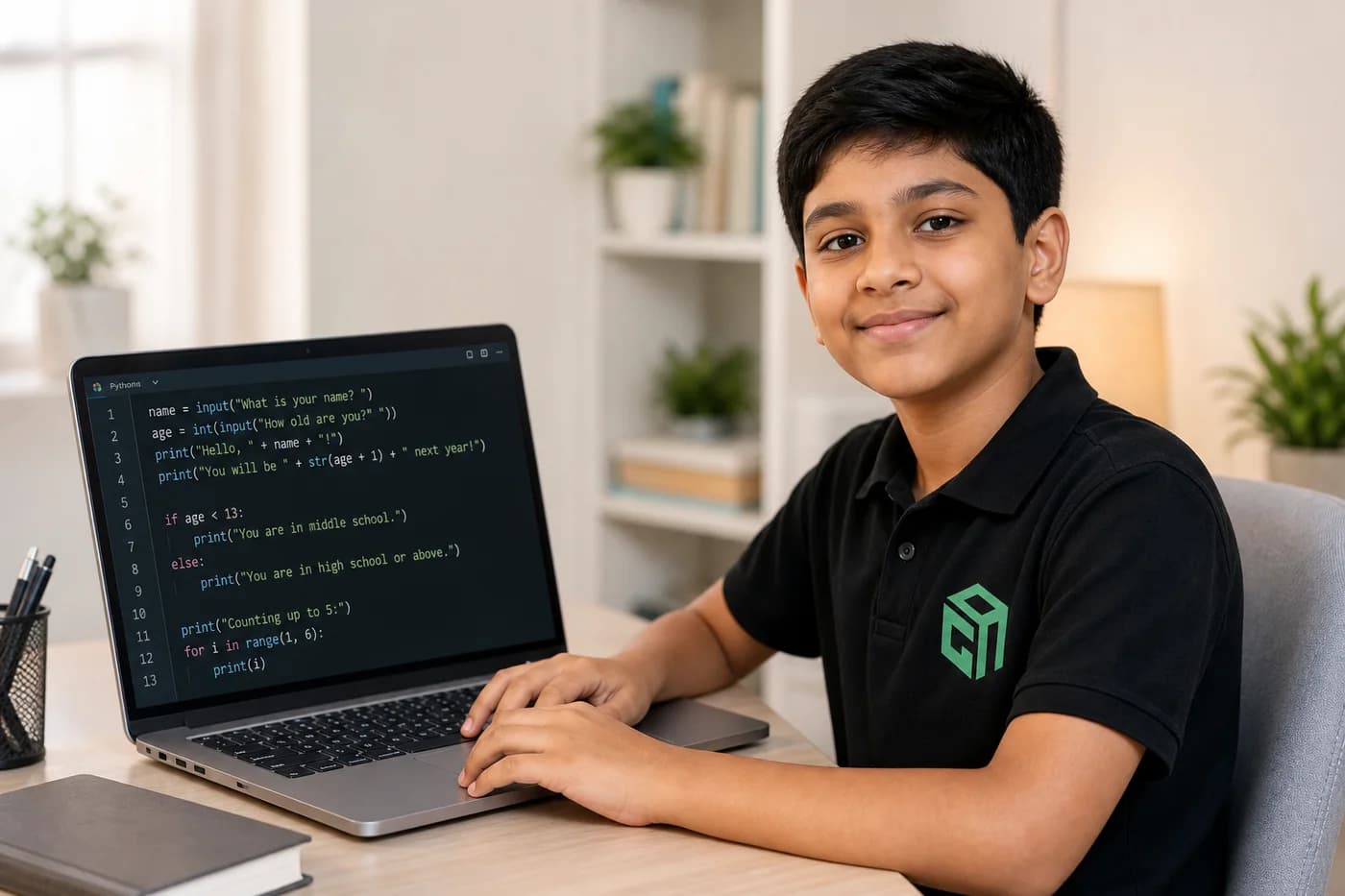
Looking for Python projects for beginners and kids? This guide shares 18 beginner-friendly Python project ideas with code missions, difficulty levels, and time estimates — from chatbots and games to robot battles and AI practice.
Python projects for beginners work best when they feel small, playful, and useful. A child should not start by memorising syntax. They should build something that responds, calculates, guesses, rolls a dice, asks questions, or tells a story.
This guide follows a project-based Python-with-AI style: clear input, simple conditions, loops, functions, lists, and small games that help students understand why code matters.
Why Start With Python Projects?
Projects help beginners move from “I know the concept” to “I can make something work.” That shift is important for kids because it builds confidence along with coding skill.
- They make variables, input, conditions, loops, and functions easier to understand.
- They give students quick wins, which keeps motivation high.
- They teach debugging naturally because every project has small mistakes to fix.
- They help kids explain their thinking in plain language.
- They create a portfolio of work students can show parents, teachers, and friends.
How to Pick the First Python Project
The best first project depends on the student’s comfort level. If your child is new to input and if-else, start with a chatbot or calculator. If they know loops, try games. If they know functions, move to robot missions and battle simulations.
- Class 3 to 5: FunBot, number guessing, multiplication table, dice rolling, and food games.
- Class 6 to 8: Treasure hunt, password game, escape game, calculator, quiz, and chatbot.
- Class 9 to 12: Function-based robot battle, student report, weather app, expense tracker, and AI chatbot extensions.
1. FunBot Chatbot
Build a simple chatbot called FunBot that asks the user to type hi, joke, job, color, or bye. The program responds with different messages using if-elif-else.
- Difficulty: Beginner
- Time: 30-45 minutes
- What kids learn: input, variables, conditions, user interaction, and friendly output messages.
- Extension idea: Add more options like quiz, mood, hobby, or favourite subject.
2. Number Guessing Game
The computer stores a secret number and the player guesses it. The program tells the player whether the guess is correct, too high, or too low.
- Difficulty: Beginner
- Time: 25-40 minutes
- What kids learn: integers, comparison operators, if-else, and game feedback.
- Extension idea: Use the random module so the secret number changes every time.
3. Simple Calculator
A calculator is a perfect early Python project because it connects coding with school math. Students ask for two numbers and an operation, then show the answer.
- Difficulty: Beginner
- Time: 30-45 minutes
- What kids learn: input conversion, arithmetic operators, if-elif-else, and basic error handling.
- Extension idea: Add division-by-zero protection and decimal support.
4. Dragon Battle Game
Create a five-round game where the player chooses attack or run. Each attack adds points, and the final score decides whether the player defeats the dragon.
- Difficulty: Beginner
- Time: 40-60 minutes
- What kids learn: for loops, scoring, repeated decisions, and win conditions.
- Extension idea: Add health points for both the player and the dragon.
5. Multiplication Table Helper
The program asks for a number and prints its multiplication table from 1 to 10. It is simple, useful, and great for understanding loops.
- Difficulty: Beginner
- Time: 20-30 minutes
- What kids learn: for loops, range, multiplication, and formatted output.
- Extension idea: Let the user choose where the table should stop.
6. Favorite Food Game
Give the user six chances to enter favourite foods. If the user types a stop symbol, the program ends early. Otherwise it responds with a fun message for every food.
- Difficulty: Beginner
- Time: 25-35 minutes
- What kids learn: for loops, break statements, user input, and repeated output.
- Extension idea: Store all foods in a list and print the final menu.
7. Secret Password Game
The player gets five chances to enter the correct password. If they guess it, the program congratulates them and stops. If not, the game ends.
- Difficulty: Beginner
- Time: 25-40 minutes
- What kids learn: loops, conditions, break, attempts, and simple security logic.
- Extension idea: Hide the password in a variable and add hints after wrong attempts.
8. Escape the Game
Build a 10-level escape game where the player types continue to move forward or exit to stop. Each level teaches controlled repetition.
- Difficulty: Beginner
- Time: 35-50 minutes
- What kids learn: for loops, break, state changes, and simple game flow.
- Extension idea: Add a score for completed levels.
9. Magic Word Challenge
A wizard keeps asking for a magic word until the user types the correct answer. This is a clean way to understand while loops.
- Difficulty: Beginner
- Time: 25-35 minutes
- What kids learn: while loops, repeated input, stopping conditions, and string comparison.
- Extension idea: Count how many tries the user needed.
10. Treasure Hunt: Pirate Island
The player moves through steps on a pirate island by choosing left, right, or exit. Reaching step five means finding the treasure.
- Difficulty: Beginner to Intermediate
- Time: 45-70 minutes
- What kids learn: while loops, nested conditions, progress tracking, and storytelling with code.
- Extension idea: Add random obstacles and treasure points.
11. Welcome Robot Challenge
A friendly robot welcomes a visitor by name, prints motivational lines, and repeats the message for multiple rounds.
- Difficulty: Beginner
- Time: 30-45 minutes
- What kids learn: functions, repeated messages, input, and reusable code blocks.
- Extension idea: Make the robot choose a different message each day.
12. Robot Adventure Mission
Create separate functions for starting a mission, collecting coins, and finishing the mission. This teaches students how to organise code.
- Difficulty: Beginner to Intermediate
- Time: 40-60 minutes
- What kids learn: function definition, function calls, sequencing, and program structure.
- Extension idea: Add more actions such as jump, recharge, or unlock door.
13. Dice Rolling Simulator
Use Python’s random module to roll a dice. The user can roll again or stop. It is a satisfying first project with randomness.
- Difficulty: Beginner
- Time: 30-45 minutes
- What kids learn: random module, loops, input, and repeated play.
- Extension idea: Roll two dice and calculate the total.
14. Student Report Card Helper
Use functions to add marks, calculate percentage, and find a grade. This project connects Python with school results and return values.
- Difficulty: Intermediate
- Time: 45-70 minutes
- What kids learn: functions with return, parameters, percentage formula, and grade logic.
- Extension idea: Allow marks for five subjects and store them in a list.
15. Robot Battle Game
Two robots fight for a few rounds. Functions calculate attack, defence, damage, health points, and the final winner.
- Difficulty: Intermediate
- Time: 60-90 minutes
- What kids learn: functions, return values, formulas, rounds, and game simulation.
- Extension idea: Run the battle for five rounds and stop early if a robot reaches zero health.
16. Treasure Chest List Game
Ask the user to enter five treasure items and store them in a list. Then print the complete chest, the first treasure, the last treasure, and the third treasure.
- Difficulty: Beginner
- Time: 30-45 minutes
- What kids learn: lists, indexing, input collection, and output formatting.
- Extension idea: Let the user replace one treasure using list assignment.
17. Simple Expense Tracker
Students enter expenses, store them, and calculate the total. It is a practical project that shows how coding can solve everyday problems.
- Difficulty: Intermediate
- Time: 45-70 minutes
- What kids learn: lists, loops, numbers, totals, and real-world data handling.
- Extension idea: Add categories like snacks, books, travel, and games.
18. Simple AI-Style Chatbot Extension
After building a rule-based chatbot, students can improve it by matching keywords instead of exact phrases. This gives them a gentle introduction to how AI chatbots understand intent.
- Difficulty: Intermediate
- Time: 60-90 minutes
- What kids learn: dictionaries, string methods, keyword matching, and chatbot logic.
- Extension idea: Connect the chatbot to a Python-with-AI lesson where prompts and responses are compared.
Tips for Completing Python Projects Faster
- Start with one concept at a time. Do not combine loops, functions, lists, and random modules on day one.
- Write the expected input and output before writing the code.
- Run the program after every small change instead of waiting until the end.
- Ask the student to explain the project in simple words before adding new features.
- Keep improving old projects. A better version of the same project teaches more than rushing to a new one.
How GeekashramJr Teaches Python Projects
At GeekashramJr, Python projects are taught as live, mentor-led building sessions. Students do not simply copy code. They understand the story, plan the input and output, write logic step by step, debug errors, and then add one creative extension.
For younger students, we keep projects playful: chatbots, dragons, robots, treasure hunts, food games, and dice. For older students, we connect the same foundations to AI, data, automation, and portfolio projects.
Final Thought
The best Python projects for beginners are not the longest or most advanced projects. They are the ones a student can understand, finish, explain, and improve. Start small, build consistently, and let every project make the child feel more like a creator.
If your child wants a structured path through Python and AI, try a GeekashramJr session. We will suggest the right project path based on age, grade, typing comfort, and current coding level. The trial fee is adjusted on enrolment.