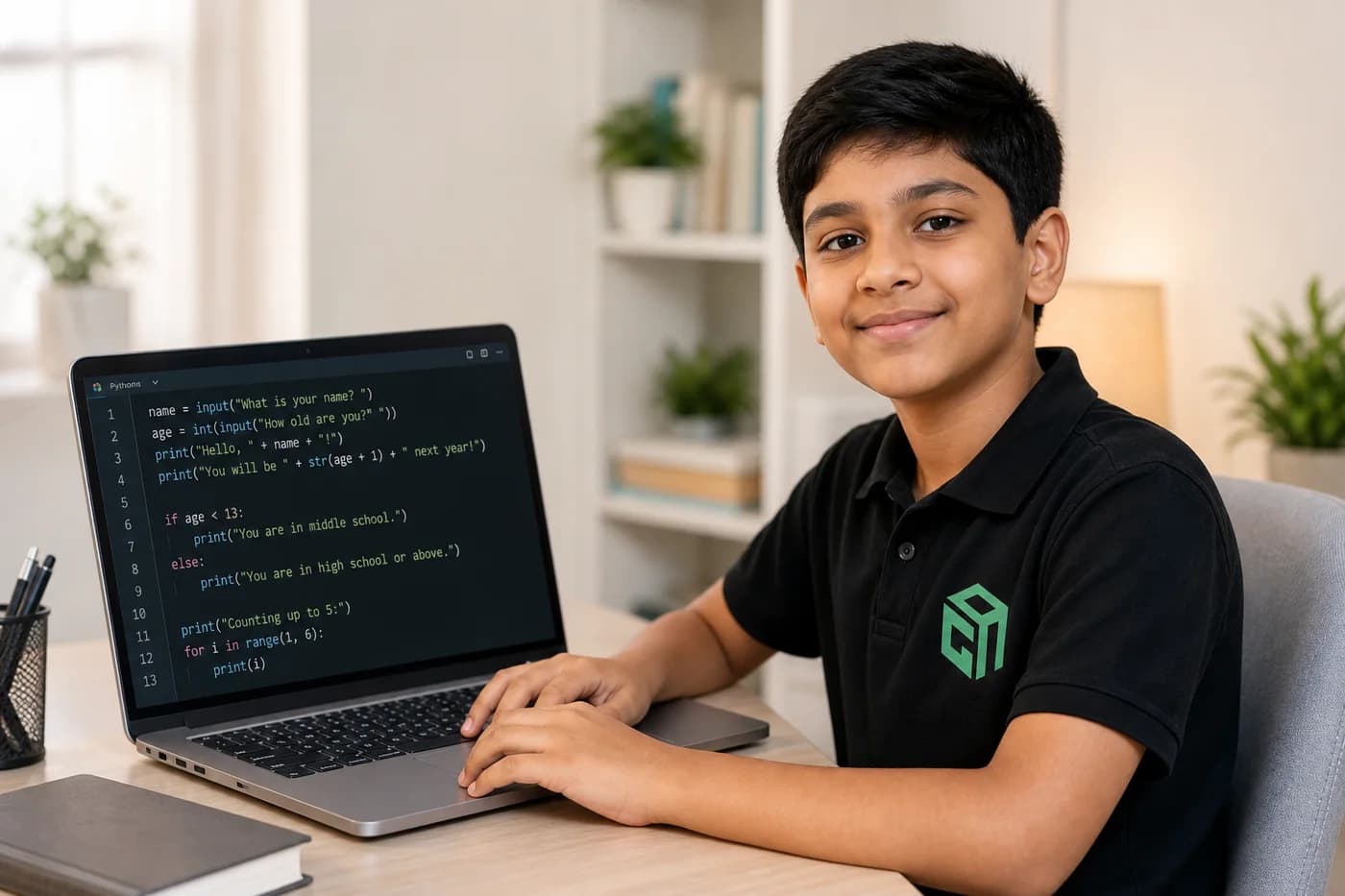
Kids can build 10 Python projects in their first month when each project is tiny, fun, and finished. The aim is confidence: input, conditions, loops, and functions — not memorising a textbook.
Here is a realistic first-month roadmap used in beginner Python paths at GeekashramJr.
Week 1: Input, Output, and Decisions
- 1. Hello Custom Message — print a personalised greeting
- 2. Smart Calculator — add, subtract, multiply, divide two numbers
- 3. Number Guessing Game — too high / too low feedback
Week 2: Loops and Patterns
- 4. Multiplication Table Helper — print tables with a for loop
- 5. Countdown Timer Text — loop from 10 to 1
- 6. Pattern Printer — stars or numbers in rows
Week 3: Functions and Mini Games
- 7. Dice Roller — random module + function
- 8. Password Attempts Game — limited tries with a loop
- 9. Mini Quiz — score tracker with functions
Week 4: Showcase Project
- 10. Rule-Based Chatbot — greet, joke, bye options with if-elif-else
Parents should celebrate finished projects, not perfect code. Ask your child to explain each project in plain words — that is where real learning sticks.
Want a guided first month? Try a session for Python with AI and we will map projects to your child’s grade and pace.